From audit stress to always audit ready: insights from our webinar


Article overview
- Paper-based processes, spreadsheets and disconnected systems often create information silos, unreliable data, low user adoption and time-consuming manual preparation.
- Embedding quality workflows and traceability into daily operations keeps records, evidence and compliance activities consistently organized and accessible.
- A Microsoft 365-native eQMS, as BPA, automates audit evidence preparation and generates audit-readiness reports, helping Quality teams reduce administrative effort and move from reactive preparation to proactive compliance.
How quickly can an organization become audit-ready with a Microsoft 365 eQMS? Can BPA support external stakeholders, integrate with existing ERP systems, and use AI responsibly?
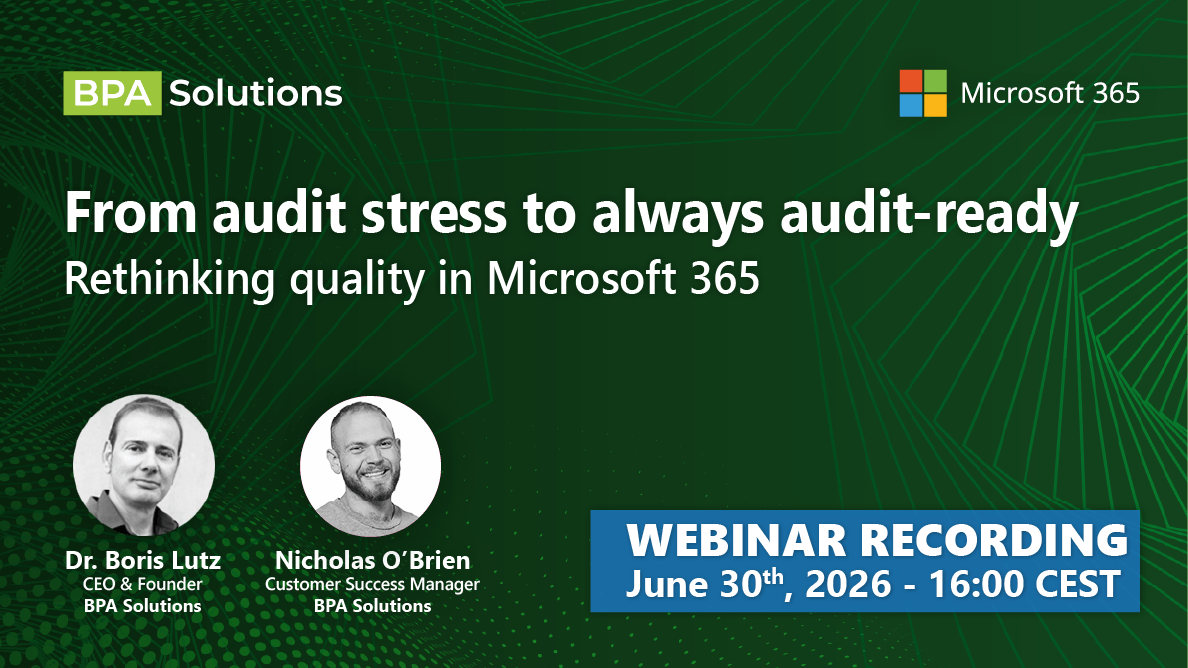
During our webinar, “From Audit Stress to Always Audit-Ready: Rethinking Quality in Microsoft 365” Dr. Boris Lutz, CEO and Founder of BPA Solutions, and Nicholas O’Brien, Customer Success Manager, answered these questions and shared practical insights into modernizing Quality Management with BPA.
Explore the key takeaways from the live Q&A below, then watch the full webinar recording to hear the complete discussion and see BPA’s capabilities in action.
Unveil the valuable insights that emerged during the live Q&A session of the webinar, shedding light on common concerns around this topic and providing concrete guidance with our Microsoft-native eQMS and AI-powered automation. Here below the recording of the live Q&A.
Your questions answered
How quickly can an organization become audit-ready after implementing BPA? With BPA’s Microsoft 365-native eQMS, organizations can establish clear quality process traceability as soon as implementation is complete and their initial documents, audits, and non-conformities are in the system. This provides an immediate foundation for audit readiness. As the organization builds its quality data library, Q-Pilot AI Suite can draw on a richer body of information to provide more informed answers and support audit preparation. In other words, audit readiness develops continuously as quality processes and records grow.
Which languages does BPA’s eQMS support? BPA supports multiple languages, including English, French, and German. Built on SharePoint and Microsoft 365, the eQMS also benefits from Microsoft’s language capabilities, including the option to translate content when needed. French and German are supported out of the box.
Why do organizations switch from their existing eQMS to BPA? Organizations often choose BPA to bring Quality Management into the Microsoft 365 environment where employees already work. By embedding quality processes in familiar tools such as SharePoint and Teams, BPA reduces the friction of adopting a separate, disconnected platform and helps keep quality information aligned with everyday operations. Another key reason is data sovereignty. BPA enables organizations to retain control over their quality data within their own secure Microsoft 365 environment, supporting their security, confidentiality, and regulatory requirements.
How can suppliers, customers, and external auditors interact with BPA? BPA offers several ways to collaborate with external stakeholders without necessarily granting them access to the entire eQMS. Microsoft Forms allows external parties to submit information directly into BPA workflows, without requiring an additional Microsoft 365 license or portal. For example, suppliers can report non-conformities or customers can submit complaints through a simple form or QR code. Submissions are routed to the relevant Quality team for review. Where document access is required, organizations can also invite external users as Microsoft Teams guests and grant access only to selected documents or dedicated areas. Access can therefore be tailored to the sensitivity of the information and the organization’s security requirements.
How long does BPA implementation take, and what does the process involve? Implementation time depends on the organization’s scope, availability, and configuration requirements. Some clients have gone live in as little as six weeks by following the standard implementation approach and attending regular weekly sessions. BPA uses a modular, workshop-based approach. The implementation team configures the selected modules, gathers user feedback, and reviews the results before moving to the next module. Preconfigured forms, workflows, and modules help accelerate delivery, while a quick-start package supports knowledge transfer and enables power users to manage future adjustments independently. The recommendation is to start with the out-of-the-box functionality wherever possible. More extensive workflow changes can be configured without custom software development, but they may extend the implementation timeline.
Can BPA integrate with ERP and other business systems? Yes. BPA supports integration with Microsoft Dynamics 365, including Business Central and Finance and Supply Chain Management. For example, users can retrieve supplier or item information from Business Central directly within BPA forms, without having to synchronize data between the two systems. BPA also leverages Microsoft Power Automate and its connectors to integrate with third-party platforms such as ServiceNow and Salesforce, as well as other ERP and CRM systems. Existing connectors can often be used to establish integrations without custom development, depending on the systems and requirements involved.
What is the difference between BPAQuality365 and BPAMedical365? Both solutions share the same underlying technology and core components, but they address different quality management needs. BPAQuality365 is designed for general Quality Management across industries, including manufacturing, services, and government organizations. BPAMedical365 is tailored to highly regulated environments such as medical devices, pharmaceutical, and life sciences organizations. It includes preconfigured quality modules and workflows with features such as electronic signatures, allowing designated users to sign using their Microsoft 365 credentials. These capabilities support regulatory requirements such as ISO 13485 and FDA 21 CFR Part 11. BPA solutions can also be deployed in Microsoft GCC High environments to address the specific security requirements of eligible US government and defense organizations.
How is BPA pricing structured? BPA uses an annual subscription model based on named users, with different pricing levels for full users and readers. For larger organizations or groups managing multiple sites, BPA also offers an unlimited-user plan at a fixed cost, allowing quality management to scale across the organization without subscription costs increasing with every additional user. Implementation is scoped separately. A quick-start package is available to accelerate the deployment of standard functionality and transfer knowledge to internal power users. The exact costs depend on the selected solution, number of users, and implementation scope.
How does BPA ensure responsible AI use and human oversight? BPA designs Q-Pilot AI Suite to support human decisions, not replace them. People remain accountable for reviewing AI-generated information and making decisions. This principle is central to BPA’s approach to responsible AI, reinforced by its ISO/IEC 42001 certification. Organizations are also encouraged to establish internal AI awareness training so employees understand how to use AI tools responsibly, including considerations around transparency, data quality, and confidential information. Human oversight and appropriate user guidance remain essential when introducing AI into quality and compliance processes.
Watch the full webinar recording
How can Microsoft 365 help your organization move from reactive audit preparation to continuous audit readiness? Discover the answers in our webinar, “From Audit Stress to Always Audit-Ready: Rethinking Quality in Microsoft 365.” Watch the full recording to hear Dr. Boris Lutz and Nicholas O’Brien address these questions in greater detail and demonstrate how BPA combines Microsoft 365, automation, traceability, and secure AI to simplify Quality Management and audit preparation.